
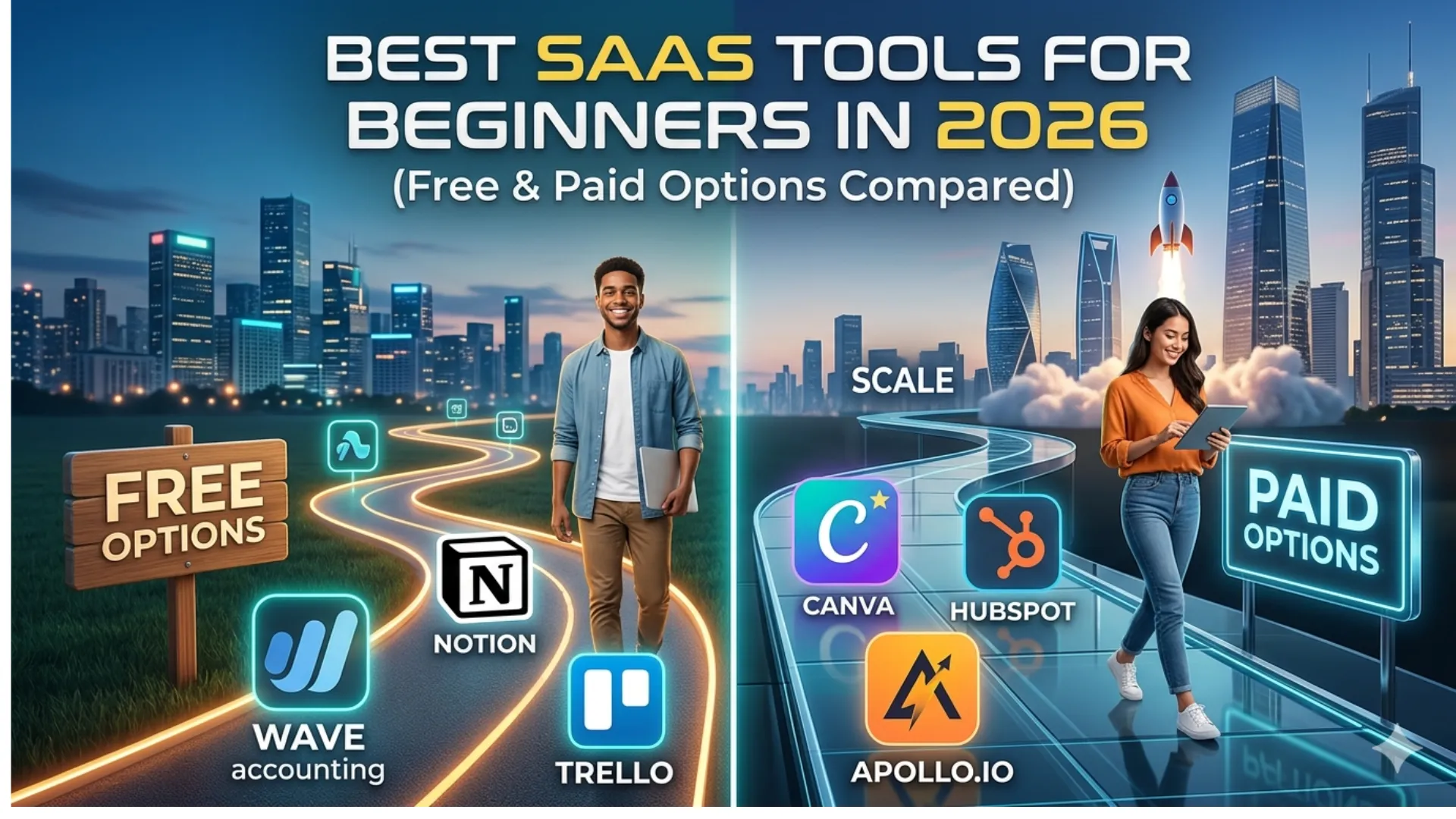
Whether you’re a solopreneur launching a side hustle or a small team scaling your first startup, the software you choose is the foundation of your success. In 2026, the “SaaS” (Software as a Service) landscape has shifted. We’ve moved beyond simple automation into the era of Agentic AI—tools that don’t just wait for your input but actively work in the background to grow your business.
But for a beginner, this “abundance of choice” is often just “abundance of confusion.” Do you need a $100/month CRM, or will a free Google Sheet suffice?
This guide breaks down the best SaaS tools for beginners in 2026. We’ve tested and compared 10 essential platforms across marketing, project management, sales, and operations to help you build a professional tech stack without breaking the bank.
Quick Comparison: Top SaaS Tools for Beginners (2026)
| Tool | Best For | Key Beginner Feature | Free Plan? | Starting Price |
| Notion | All-in-one Workspace | Drag-and-drop templates | Yes | $10/mo |
| Canva | Graphic Design | Magic Studio AI | Yes | $12.99/mo |
| HubSpot | CRM & Sales | Free forever CRM | Yes | $15/mo (Starter) |
| Beehiiv | Email Marketing | Built-in ad network | Yes | $39/mo |
| Trello | Task Management | Visual Kanban boards | Yes | $5/mo |
| Zapier | Automation | Centralized AI agents | Yes | $19.99/mo |
| Lark | Collaboration | Integrated video & docs | Yes | $12/mo |
| Apollo.io | Lead Generation | Massive B2B database | Yes | $49/mo |
| Calendly | Scheduling | Multi-calendar sync | Yes | $10/mo |
| Wave | Accounting | Professional invoicing | Yes | $16/mo (Pro) |
1. Notion: The “Everything” App for Beginners
In 2026, Notion has evolved from a simple note-taking app into a powerful AI-driven OS for your business. For beginners, it eliminates “tool fatigue” by replacing separate apps for docs, wikis, and basic project management.
- Key Features: Notion AI (summarizes meetings, drafts emails), linked databases, and a massive template library.
- Pros: Highly customizable; replaces 3-4 other paid tools; great “Free Forever” tier.
- Cons: Can be overwhelming (the “blank page” problem); steep learning curve for advanced databases.
- Best For: Solopreneurs and small teams needing a central “Source of Truth.”
2. Canva: Design Without the Degree
Graphic design used to require years of training. In 2026, Canva’s Magic Studio allows beginners to generate brand kits, social media posts, and even full-length videos using simple text prompts.
- Key Features: Text-to-Image AI, one-click background remover, and thousands of pre-made templates.
- Pros: Incredible ease of use; professional results in minutes; great mobile app.
- Cons: Professional designers may find it limiting; certain premium assets can be pricey.
- Best For: Content creators and marketers who need high-quality visuals fast.
3. HubSpot: A CRM That Grows With You
Many CRMs (Customer Relationship Management) are built for enterprises. HubSpot remains the gold standard for beginners because its interface is intuitive, and its free version is actually useful.
- Key Features: Contact tracking, email integration, and AI-powered lead scoring.
- Pros: Seamlessly connects sales, marketing, and service; extensive free training (HubSpot Academy).
- Cons: Paid tiers get expensive very quickly as you scale.
- Best For: Businesses focused on building long-term customer relationships.
4. Beehiiv: The Modern Newsletter Engine
Email marketing is still the highest ROI activity in 2026. Beehiiv has overtaken legacy players by focusing on growth. It’s built by the team that started Morning Brew, so it’s designed for scale.
- Key Features: Recommendation network, built-in referral program, and advanced analytics.
- Pros: No “subscriber tax” on early plans; clean, modern UI; easy monetization options.
- Cons: Less focus on complex automation “trees” compared to Mailchimp.
- Best For: Writers and brand owners building a community.
5. Trello: Project Management Made Visual
If you like sticky notes and whiteboards, you’ll love Trello. It uses a Kanban system (To-Do, Doing, Done) that makes it impossible to lose track of tasks.
- Key Features: Power-Ups (integrations), automated “Butler” rules, and color-coded labels.
- Pros: Zero learning curve; very satisfying visual progress; excellent free plan.
- Cons: Not ideal for highly complex projects with multiple dependencies.
- Best For: Visual learners and small teams managing simple workflows.
6. Zapier: The “Glue” of the Internet
As a beginner, you don’t have time to manually copy data from your email to your CRM. Zapier connects over 6,000 apps. In 2026, their Central feature allows you to build AI agents that “watch” your apps and take action for you.
- Key Features: Multi-step “Zaps,” AI-assisted automation building, and 6,000+ integrations.
- Pros: Saves hundreds of hours of manual work; no coding required.
- Cons: The “Tasks” system can get expensive if you have high-volume automations.
- Best For: Anyone looking to automate repetitive tasks.
7. Lark: The All-in-One Collaboration Suite
Lark is the “hidden gem” of 2026. It combines Slack, Zoom, Google Docs, and a Calendar into one single interface. For a beginner, this means paying one subscription instead of four.
- Key Features: Integrated video conferencing with real-time translation, searchable docs, and built-in project tracking.
- Pros: Reduces “tab switching” fatigue; incredibly cost-effective for small teams.
- Cons: Less “mainstream” than Slack, which might make external collaboration harder.
- Best For: Remote teams who want to keep all communication in one place.
8. Apollo.io: Finding Your First 100 Customers
The hardest part of being a beginner is finding leads. Apollo provides a massive database of B2B contacts, allowing you to find the right person at the right company instantly.
- Key Features: Verified email/phone search, AI-driven sequence writing, and LinkedIn integration.
- Pros: High data accuracy; includes a built-in email sender; generous free credits.
- Cons: Can feel a bit “salesy”; requires a bit of setup to avoid spam folders.
- Best For: Founders and sales reps doing cold outreach.
9. Calendly: End the “Back-and-Forth” Email
“Are you free Tuesday at 2:00?” “No, how about Wednesday at 4:00?” Stop doing this. Calendly lets people book time directly on your calendar based on your availability.
- Key Features: Automatic timezone detection, payment integration, and buffer times between meetings.
- Pros: Professional appearance; eliminates scheduling friction.
- Cons: The free version only allows one “event type” (e.g., just one 30-min meeting link).
- Best For: Consultants, coaches, and freelancers.
10. Wave: Accounting for the Non-Accountant
You don’t need QuickBooks yet. Wave offers a simplified, beginner-friendly way to track income, expenses, and send professional invoices that look like they came from a Fortune 500 company.
- Key Features: Recurring invoicing, automatic receipt scanning, and basic financial reporting.
- Pros: The core accounting software is free; very user-friendly.
- Cons: Payroll and payment processing (taking credit cards) have fees.
- Best For: Freelancers and very small service-based businesses.
Actionable Tips: How to Choose the Right SaaS Tool
Before you pull out your credit card, follow these three “Golden Rules” for SaaS selection:
- Solve a Current Pain, Not a Future One: Don’t buy an enterprise-level CRM because you plan to have 1,000 customers next year. Choose the tool that solves your problem today.
- Prioritize Integrations: Ensure Tool A talks to Tool B. A stack that doesn’t integrate is just a collection of digital silos.
- Check the “Export” Capability: Never lock your data in a tool that doesn’t let you leave. Ensure you can export your contacts or docs easily if you decide to switch.
Internal Link Suggestion: Looking for more ways to optimize your workflow? Check out our guide on [Top 5 AI Automation Strategies for Small Businesses].
Real-World SaaS Stack Example for Beginners
Example 1: Content & Email Stack
- Plan & Organize: Use Notion to brainstorm ideas, structure content, and track progress.
- Design & Visuals: Use Canva to create blog graphics, social posts, and featured images.
- Lead Management: Use HubSpot CRM to track prospects and manage relationships.
- Email Marketing: Use Beehiiv to grow your email list and send newsletters.
👉 This simple stack lets a beginner launch an online business fast, cheap, and without coding,
Example 2: SaaS Product MVP Stack
- Frontend / Landing Page: Use Webflow to create a professional-looking website fast.
- Database / Backend: Use Airtable to store users, subscriptions, and app data.
- Automation: Use Zapier or Make to connect tools and automate workflows.
- User Authentication & Payments: Use Memberstack + Stripe for secure login and subscriptions.
👉 Build and launch a simple SaaS MVP in weeks without heavy coding.
Example 3: E-commerce / Product Launch Stack
- Store & Website: Use Shopify for your online store setup.
- Product & Design: Use Canva to create product mockups and promotional content.
- Marketing Automation: Use Mailchimp to nurture leads and send promotional campaigns.
- Analytics: Use Google Analytics to track visitors, conversions, and sales performance.
👉 Start selling products online quickly with minimal technical skills.
Example 4: Social Media & Growth Stack
- Content Planning: Use Notion or Trello to organize social media posts and campaigns.
- Design & Video: Use Canva or CapCut to create engaging graphics and short videos.
- Lead Capture: Use HubSpot or ConvertKit to capture emails from social campaigns.
- Scheduling & Automation: Use Buffer or Later to schedule posts and automate posting.
👉 Grow your brand and audience online with a simple, beginner-friendly system.
FAQ: SaaS Tools for Beginners
What is the most important SaaS tool for a beginner?
For most, a CRM (like HubSpot) or an all-in-one workspace (like Notion) is the foundation. It’s where your customers and your ideas live.
Can I run a business using only free SaaS tools?
Yes! In 2026, the “freemium” models of tools like Canva, Trello, and Wave are robust enough to run a small business entirely for $0/month until you reach a certain scale.
Is AI a must-have in a SaaS tool now?
In 2026, AI is no longer a “bonus” feature—it’s essential for efficiency. Look for tools that use AI to automate data entry, content creation, or scheduling to save you time.
Ready to Level Up Your Business?
The “best” tool is the one you actually use. Most of the platforms above offer a 14-day free trial or a Free Forever plan.
Our recommendation: Pick three tools from this list—one for organization (Notion), one for marketing (Canva), and one for sales (HubSpot)—and start your free trials today. The sooner you automate the “busy work,” the sooner you can focus on the work that actually makes money.
[Explore HubSpot’s Free CRM] | [Start Your Notion Workspace] | [Try Canva Pro for Free]
Affiliate marketing success doesn’t happen overnight — it takes time, learning, and real experience. In this post, I share my 4-year journey, lessons learned, and what actually worked along the way https://zdigitallevel.com/my-4-year-journey-in-affiliate-marketing/